← Docs
Documentation
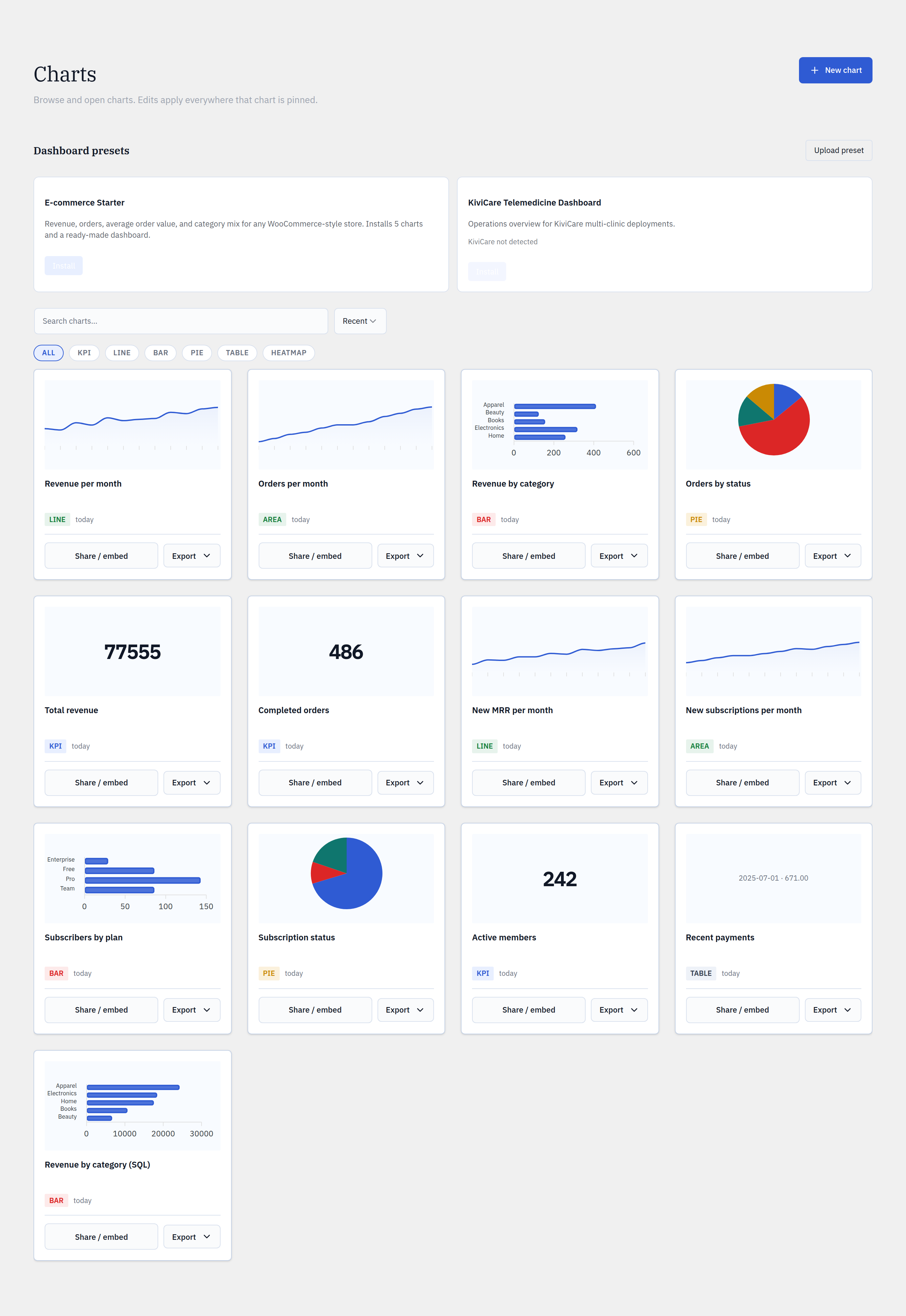
Presets
Install a complete, curated dashboard — charts and layout — in one click. Export your own dashboards as shareable preset files, or upload one you were given.
Step by step
- 1Open Glimpse BI → Charts and find the Presets section.
- 2Pick a preset card. If it needs a specific plugin or tables, the card tells you before you install.
- 3Click Install — Glimpse BI creates the preset’s charts and a dashboard.
- 4If a dashboard of that name exists, choose Replace or keep both.
- 5To share your own, export a dashboard to a preset JSON file; others upload it to recreate it exactly.
yoursite.com/wp-admin/admin.php?page=glimpsebi-charts
Safe installs
Before creating anything, an install checks that required tables exist. If a preset needs tables outside your allowlist, it asks for explicit consent before adding them — it never silently widens what’s chartable.
Round-trips
A preset is a self-contained JSON bundle of chart definitions plus a dashboard layout. Export → upload reproduces an identical dashboard on another site, which makes presets a clean way to standardize reporting across many installs.
Reference
FormatSelf-contained JSON bundle
Install createsCharts + one dashboard
ConflictsReplace or keep both
AllowlistExplicit consent before widening
Install free in a minute. Ask when you’re ready.
Start with the free plugin from WordPress.org. Upgrade to Pro to unlock Ask, pre-computed charts and Editor roles.