← Docs
Documentation
Embeds & shortcodes
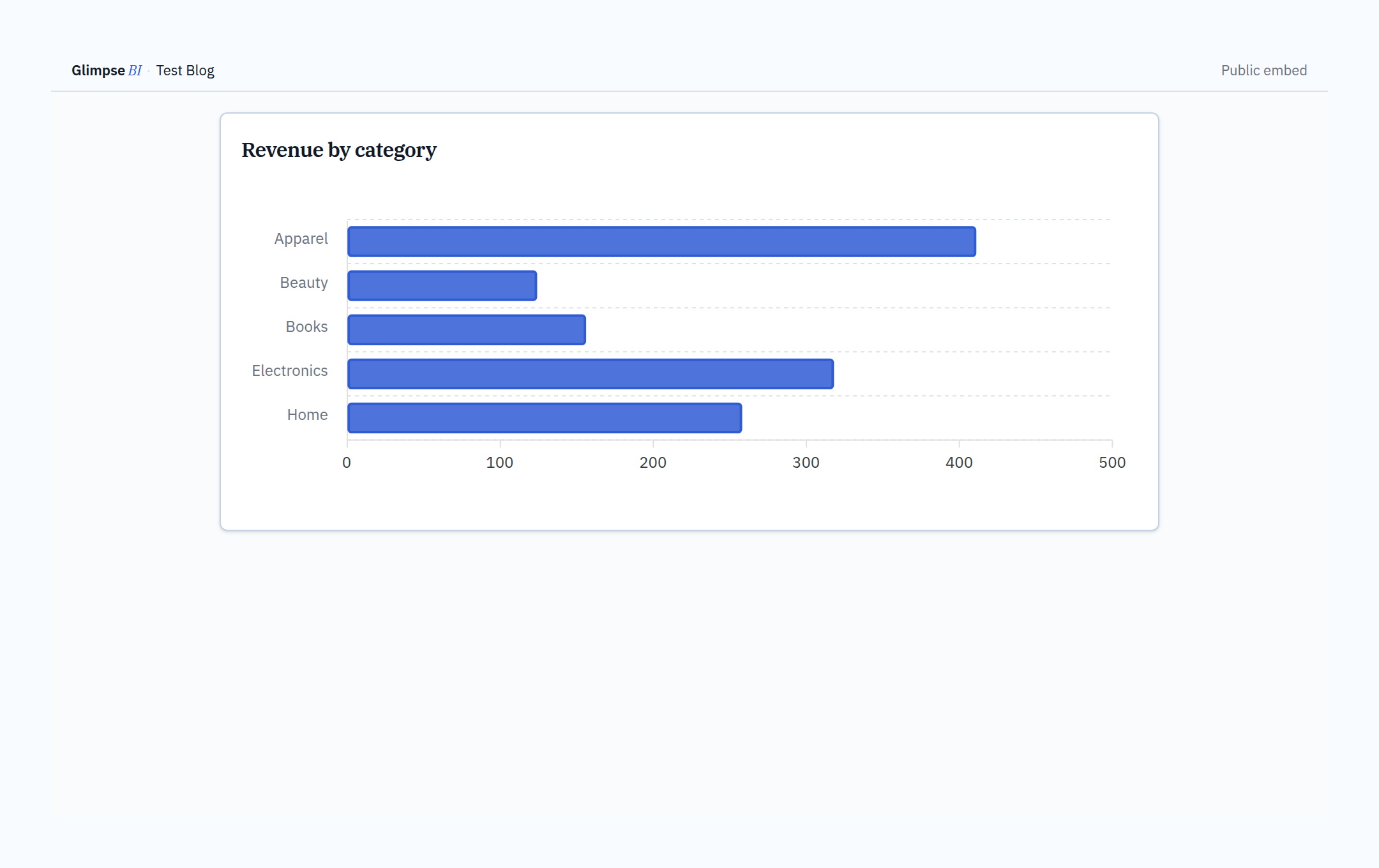
Publish charts as public, token-protected iframes — no WordPress login required to view. Each embed has a unique signed token, configurable expiry, hit tracking, and revoke / rotate controls.
Step by step
- 1In Dashboard or Charts, open the chart you want to share.
- 2Click Share, then choose “Public embed”.
- 3Pick an expiry: 24 hours, 7 days, 30 days, or Never.
- 4Click Mint token to generate a signed token.
- 5Copy the iframe snippet, shortcode, or URL.
- 6Track hits in the share panel; Revoke to disable or Rotate to issue a fresh token.
Shortcodes
Embed a chart in any post or page with [glimpsebi_chart token="…" width="100%" height="520"]. Dashboard embeds and the [glimpsebi_dashboard] shortcode are a Pro feature.
Security
Tokens are 256-bit random values with per-token (60/min) and per-IP (600/min) rate limits. The free tier allows one active watermarked embed; Pro lifts the cap and white-labels the watermark away.
Reference
Token64-char random hex
Expiry24h · 7d · 30d · never
Chart shortcode[glimpsebi_chart token="…"]
Dashboard shortcode[glimpsebi_dashboard token="…"] (Pro)
Free cap1 active, watermarked embed
Bring your WordPress data into focus.
Install the free plugin and build your first chart in minutes. Upgrade to Pro when you outgrow the caps.